Visualization
Start a Simulation
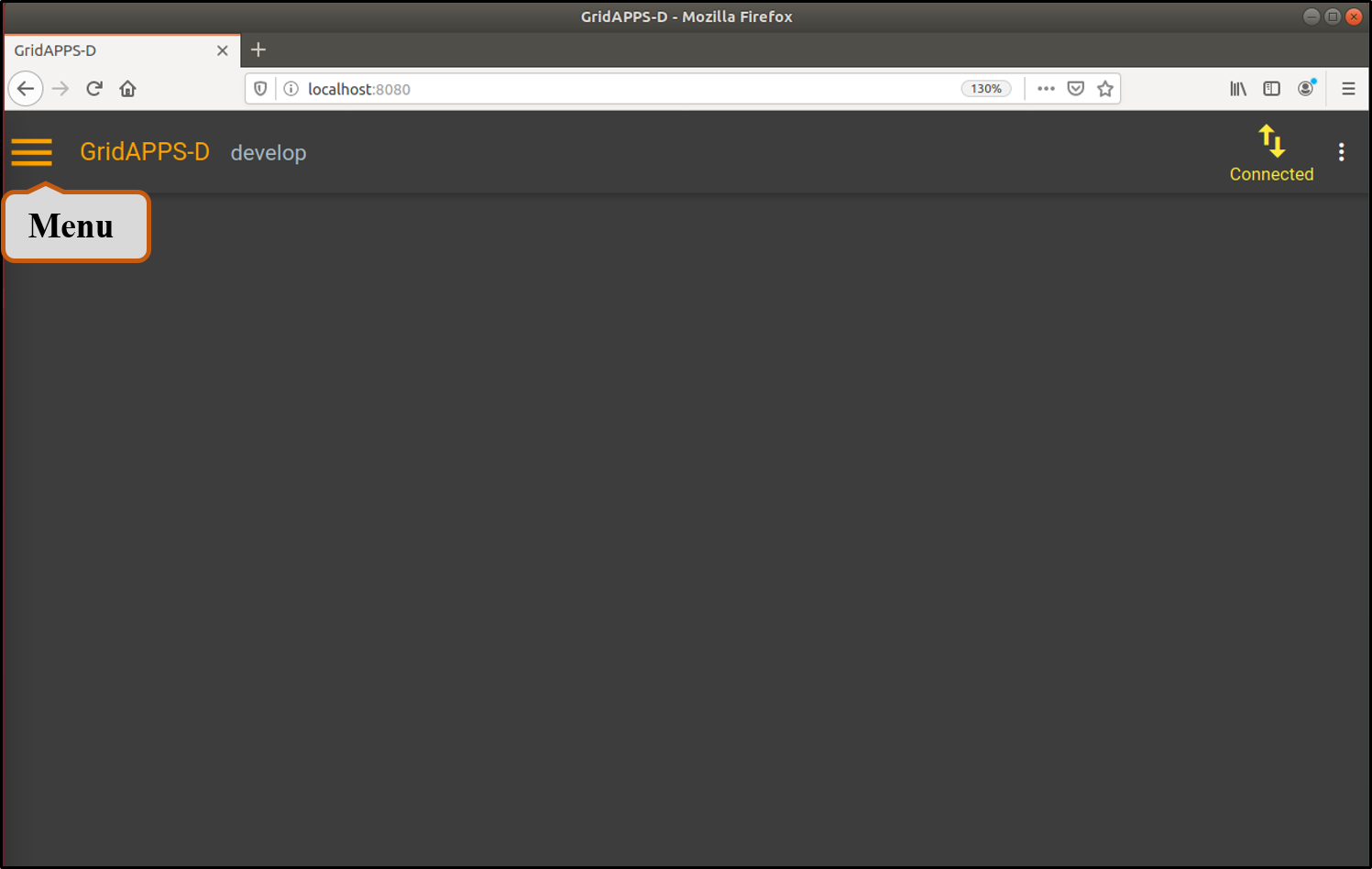
- Open your browser to http://localhost:8080/ and click the menu button.
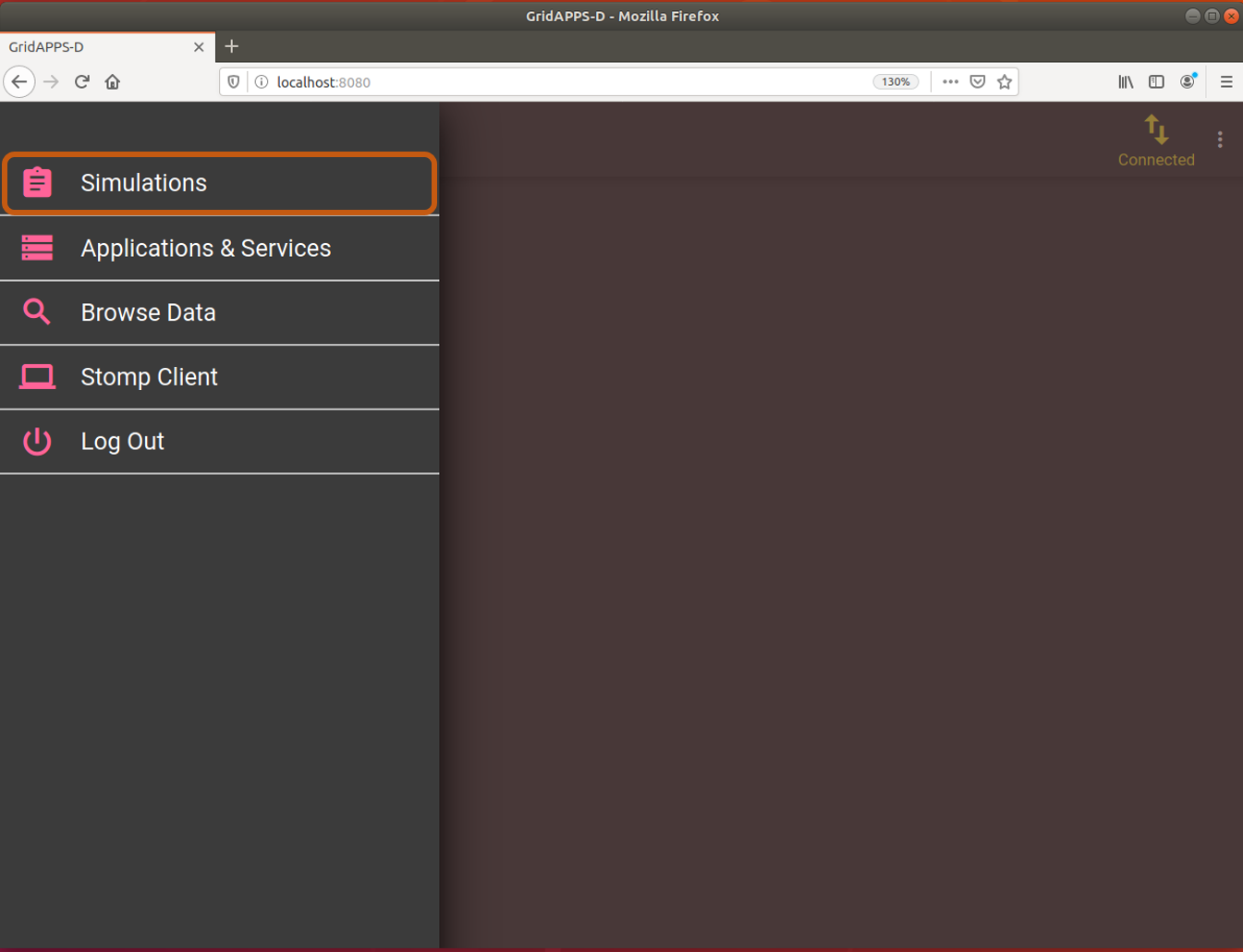
- Choose Simulations from the menu.
Change Configurations
- Change the Power System Configuration, Simulation Configuration, Application Configuration, and Test Configuration as follows:
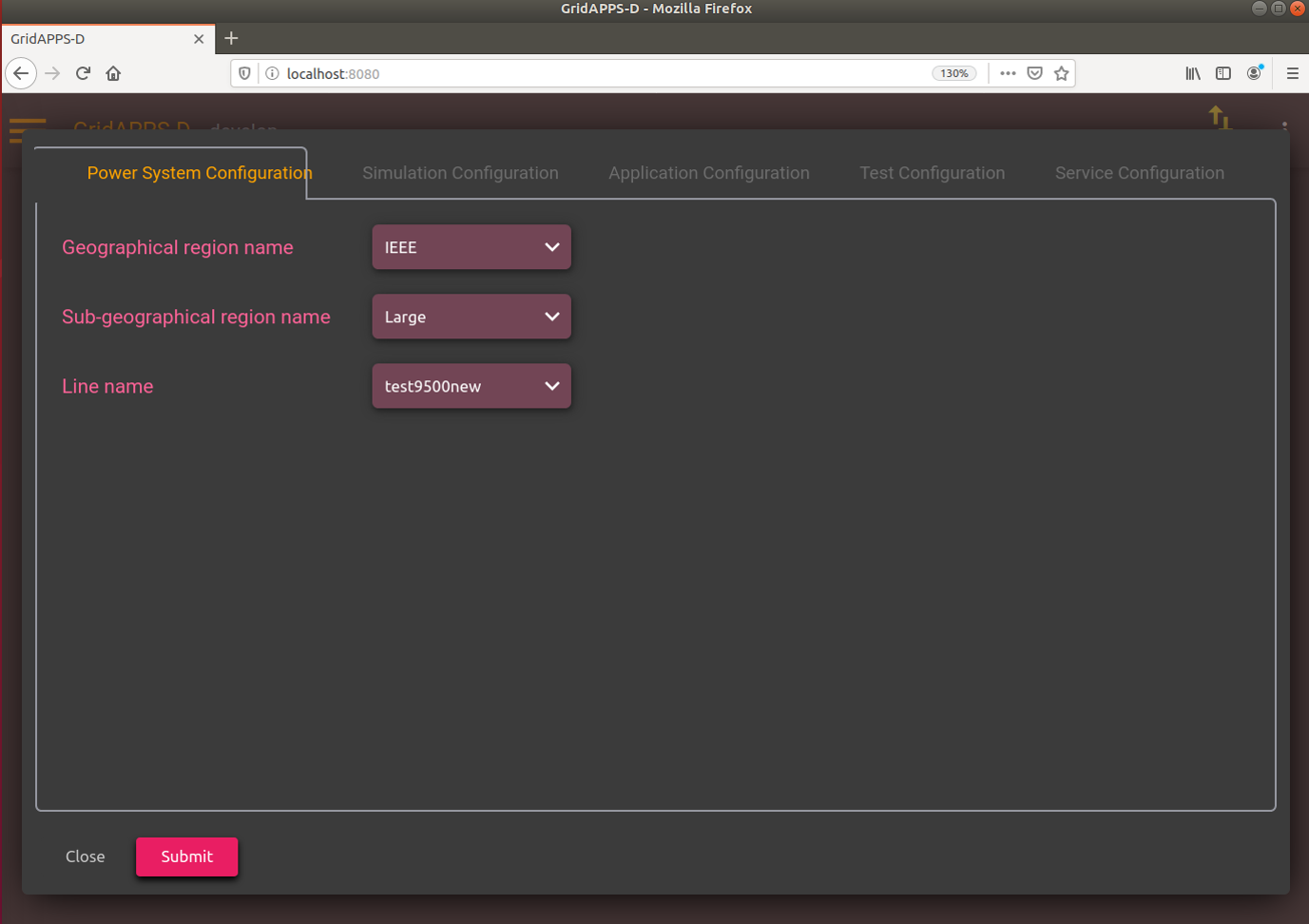
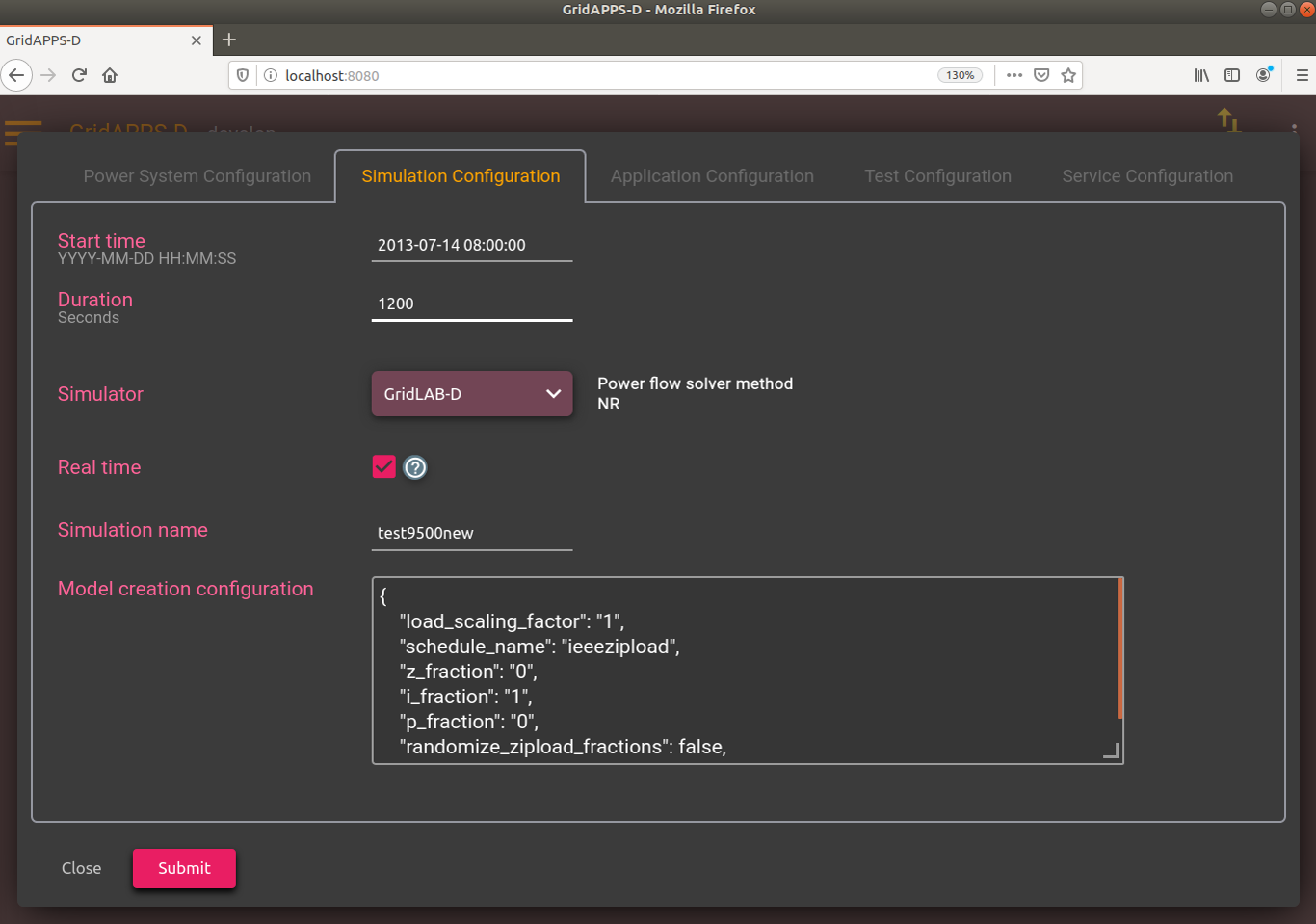
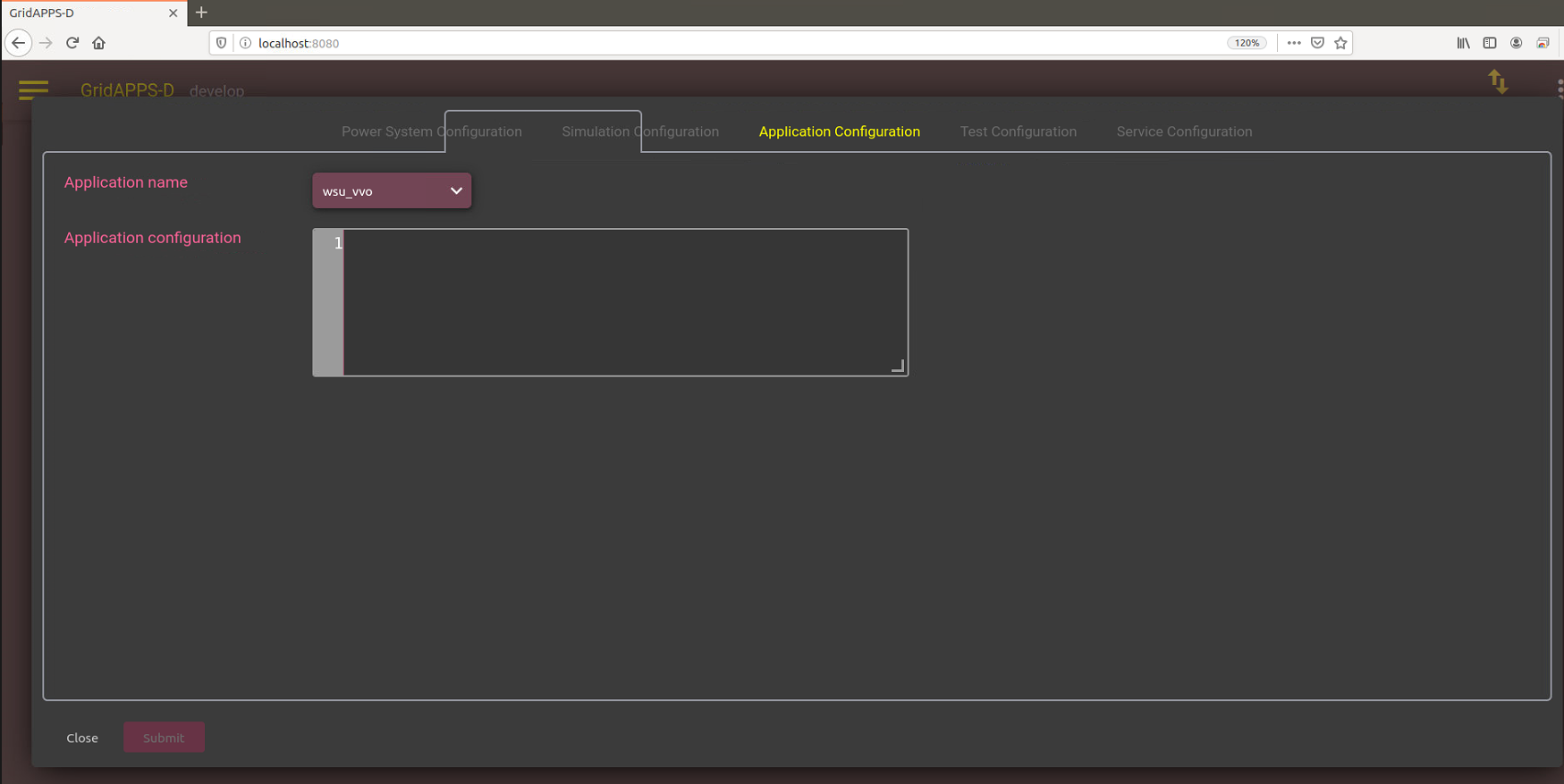
- Communication outage and fault events can be added using the Test Configuration page as shown below. Event can be added using radio button or upload option.
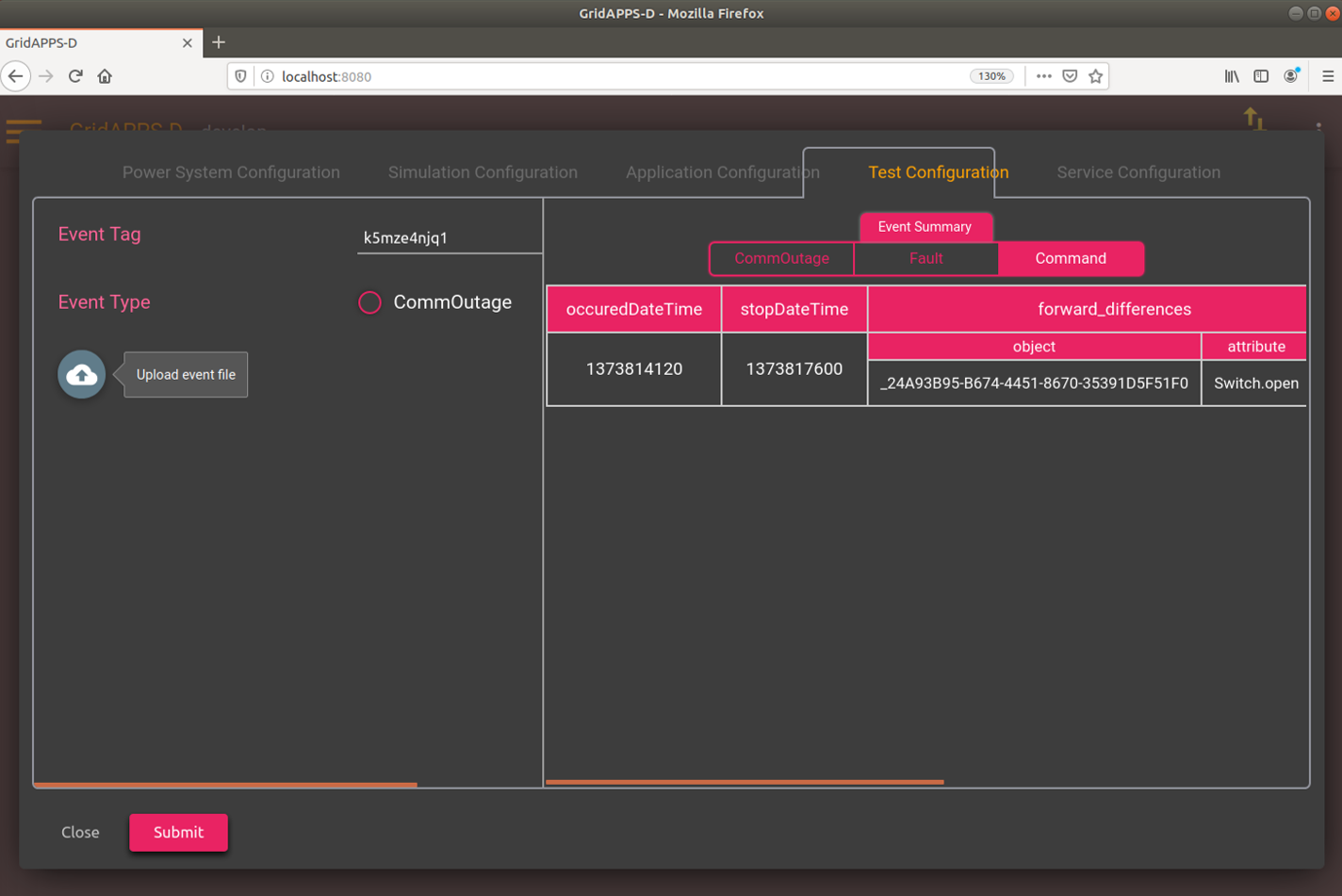
- Click the submit button to save all the configurations.
Adding an event
- For the VVO application, we are also checking if a legacy device is not in service how the application perform. So, before proceeding, an event file is required uploaded to remove a section of feeder with legacy devices. There are several ways to add event in the test feeder. Here, we use the upload option and use the following JSON file.
{
  "commandEvents": [
    {
      "message": {
        "forward_differences": [
          {
            "object": "_24A93B95-B674-4451-8670-35391D5F51F0",
            "attribute": "Switch.open",
            "value": 1
          }
        ],
        "reverse_differences": [
          {
            "object": "_24A93B95-B674-4451-8670-35391D5F51F0",
            "attribute": "Switch.open",
            "value": 0
          }
        ]
      },
      "event_type": "ScheduledCommandEvent",
      "occuredDateTime": "2013-07-14 08:02:00",
      "stopDateTime": "2013-07-14 09:00:00"
    }
  ]
}
- This event opens a switch (LN0895780_SW) in the feeder at time 2013-07-14 08:02:00 and remains open until 09:00:00. Please adjust the Start time in Simulation Configuration based on occuredDateTime of the event such that event occurs after the simulation has started.
Running the platform
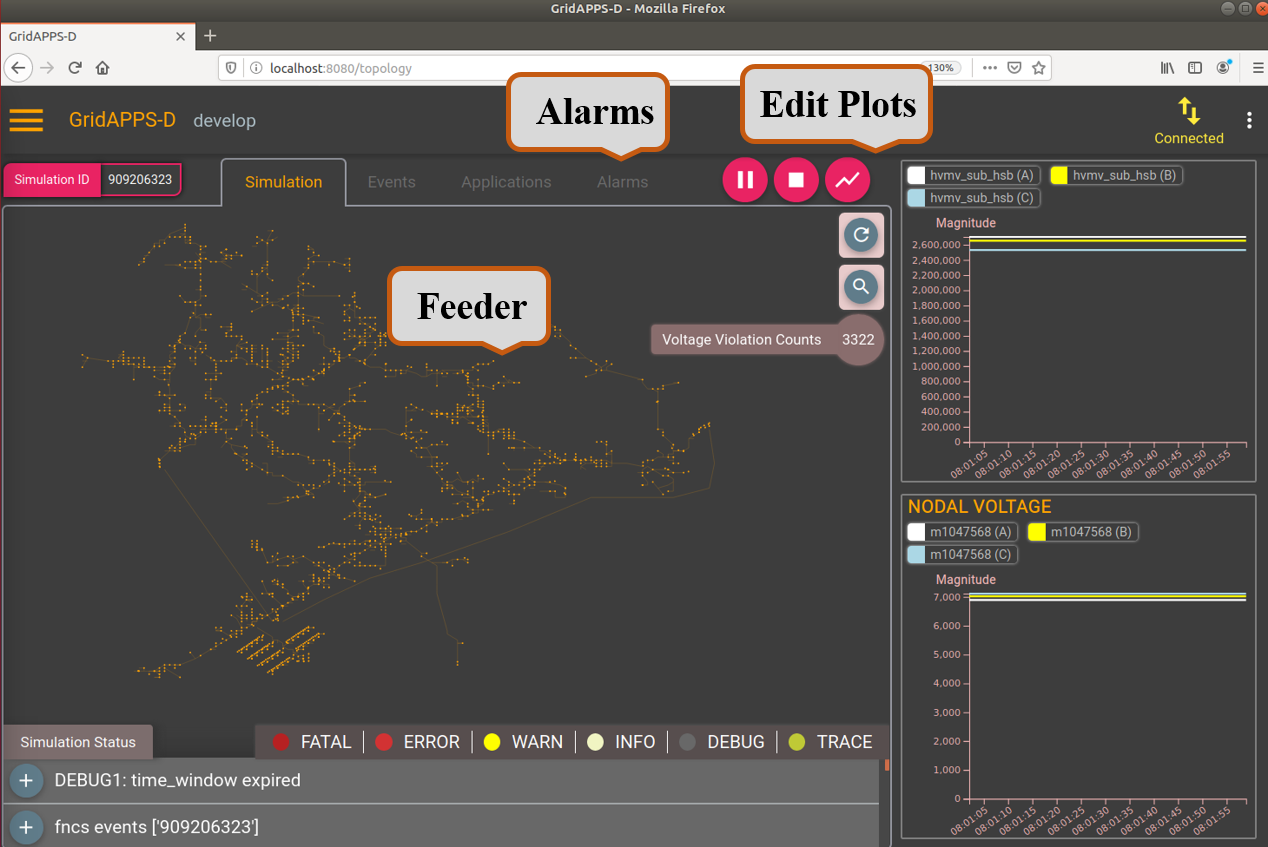
- After few seconds, the test-feeder will load. In the meantime, use “Edit plots” to add power, voltage and tap of different components to visualize as the simulation progress.
- Click on the triangle to start the simulation. Once you get the Simulation_ID, use it to run the application in terminal. See the python command here.
*The occurrence of the event can be verified on the Alarm tab. Once the event has occured, the applicatin starts and runs the optimization problem to generate the control signals for conservation volatge reduction.